
WordPress Is Updated. Your PHP Probably Isn't — Here's the Fix
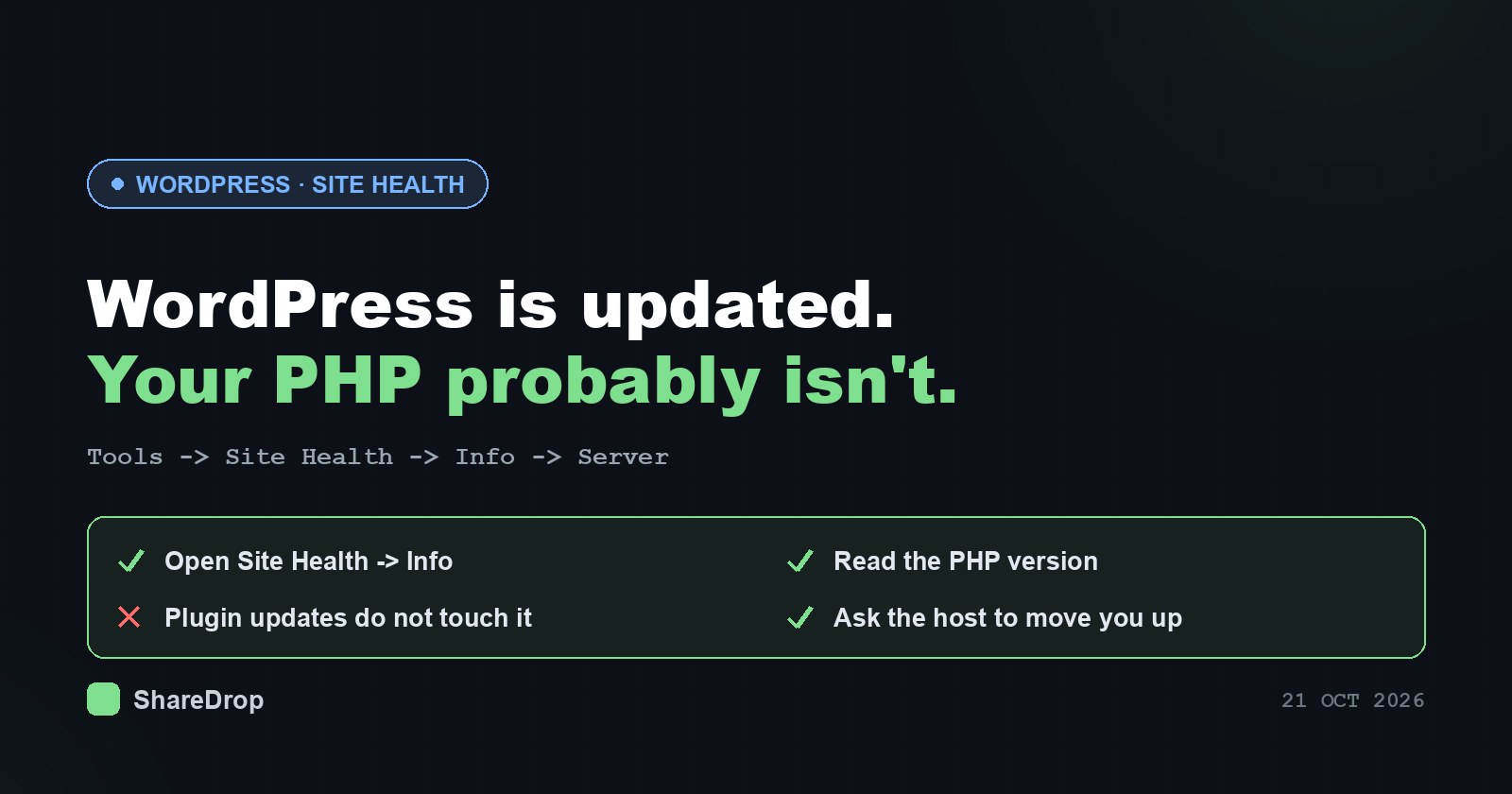
Your Plugins Are Up to Date. That Did Nothing for This One.
Here is the sentence that saves you an hour of confusion: PHP is not a WordPress plugin. It is the language WordPress is written in, and the program that executes it on your server. When PHP has a critical security flaw — two of them, patched on 21 October 2026 — the red update dots in your dashboard are irrelevant. You could update every plugin, the theme and core itself, and still be running a vulnerable site.
The fix lives somewhere most site owners have never looked: the PHP version selector in your hosting control panel.
What happened
Two vulnerabilities were disclosed together and fixed on 21 October 2026, both rated CVSS v3.1 9.8 — critical, both allowing remote code execution:
- CVE-2026-109618 — memory corruption on the path PHP takes when it runs out of memory.
- CVE-2026-109619 — stale global state.
Researchers named the pair PHP2Shell. Working exploit code is public, and the release moved forward from 22 to 21 October because details leaked early. The announcement sits in the php.net release archive.
Why this one matters more than the usual monthly noise: the worst-affected configuration is Apache with mod_php, extremely common on budget and legacy shared hosting. There the attack is unauthenticated and lands before any application code runs. In WordPress terms: PHP has already processed the attacker’s request before wp-load.php is reached. Your login page, your security plugin and most application-level firewall logic never enter the picture, because WordPress has not started yet.
The versions that are fixed
| PHP branch | First patched release | Still vulnerable |
|---|---|---|
| 8.5 | 8.5.12 | 8.5.0 – 8.5.11 |
| 8.4 | 8.4.27 | 8.4.0 – 8.4.26 |
| 8.3 | 8.3.36 | 8.3.0 – 8.3.35 |
| 8.2 | 8.2.35 | 8.2.0 – 8.2.34 |
If Site Health reports 7.4, 8.0 or 8.1, you are on an end-of-life branch that gets no release for this at all. The PHP project made a one-off exception and published source-only backports in php/php-src, but there is no package and no tarball — somebody would have to compile PHP from source, and the result still receives no further security support. On shared hosting that is not an option anyway. Your path is to move to 8.2 or later, as php.net’s download page will also tell you.
Step 1: read your PHP version properly
The three-click route is above: Tools → Site Health → Info → Server. WordPress shows the full version string there, for example 8.2.35, not just the branch.
One warning: it reports the version serving web requests. If your host runs a different PHP for cron jobs and the command line, Site Health will not show that one, so ask about both.
Step 2: change the version where it is actually set
You do not patch PHP from inside WordPress. Depending on your host:
- cPanel — MultiPHP Manager (a branch per domain) or Select PHP Version.
- Plesk — the domain’s PHP Settings page carries the version dropdown.
- Managed WordPress hosting — usually a “PHP version” setting in the site dashboard; some managed hosts apply point releases for you and only expose the branch.
- Your own VPS — a package update plus a restart of PHP-FPM or Apache. Ubuntu users have USN-8948-1 as the matching security notice.
Step 3: if the control panel only offers old versions
Many shared hosts publish the patched point release as a selectable option before migrating everyone to it. Check the dropdown first — if 8.2.35 is sitting there and your site is on 8.2.31, you can fix this yourself in under a minute.
If the newest option is still vulnerable, open a support ticket and be specific. “Are we patched?” invites a reassuring non-answer. Ask instead:
Which exact PHP version is serving our account (for example 8.3.36, not “PHP 8.3”), and when will the 21 October 2026 releases for CVE-2026-109618 and CVE-2026-109619 be available for selection? Has PHP-FPM been restarted since the update?
A host that cannot produce a version number and a date within a working day is telling you something useful about itself.
Step 4: jumping branches on an old site without breaking it
If your site has been sitting on 7.4 for years, moving to 8.2 or 8.3 is a real change, not a point release. Old plugins and hand-built themes may rely on behaviour removed years ago. The migration is still the right call — but sequence it:
- Take a full backup of files and database, and confirm you can actually restore it.
- Switch a staging copy first. Most hosts offer staging; most people never use it.
- Walk the site — front page, a post, search, the checkout if you have one, and every plugin settings page in the admin.
- Check for abandoned plugins. A plugin with no update in several years is the usual casualty. Replacing it beats keeping a dead PHP branch for its sake.
- Switch production, then clear every cache — plugin, server and CDN — so you are testing the new runtime and not an old cached page.
- Re-read Site Health, which will also hand you a tidy-up list of inactive and outdated plugins.
WordPress’s own update services documentation is a useful reminder of how much of this machinery quietly assumes a healthy, supported runtime underneath it.
Running WordPress in Docker instead?
Then your fix is a container recreation, not a panel setting. Measured on 22 October 2026, wordpress:latest shipped PHP 8.3.36 and wordpress:php8.2 shipped 8.2.35, both patched; the tag list lives on Docker Hub’s official WordPress repository. The catch is that pulling an image does nothing to a container that is already running. Use docker compose pull && docker compose up -d, then confirm with docker compose exec wordpress php -v.
A free check you can read before you run it
For anyone with shell access — a VPS, a reseller account, a staging box — we published a small POSIX sh script that reports the PHP versions present on a machine, including copies installed by cPanel, Plesk, Remi and LiteSpeed, whether a PHP-FPM restart is still pending, Docker containers, and WordPress or Laravel installs. It makes no network calls, collects nothing, and needs no root.
curl -fsSL https://blog.limewire.com/content/files/2026/10/php-exposure-check.txt -o php-exposure-check.sh
less php-exposure-check.sh
sh php-exposure-check.sh
SHA-256: c13cd5690c9d352c6a95e854602be2f330a0799435c05a8261037401fcf50255
Shared hosting with no SSH access? Download it in the browser instead, from our verified account @limewireofficial on LimeWire: php-exposure-check.sh, then upload it through your panel’s file manager and run it from there. Free, unmetered, and the link will not rot.
It exits 0 when everything it found is patched, 1 when something is vulnerable or end-of-life, and 2 when it finds no PHP. The read-then-run order is deliberate: this week has already produced fake “checking tools” on sites that contradict themselves within a single page. Trust php.net, your distribution’s security tracker, your host’s own channel and the PHP project’s GitHub repository, and nothing else.
A small confession while we are on the subject of trusting incoming bytes: LimeWire spent the 2000s teaching the internet that the file you downloaded was not always the file you asked for. We have unusually vivid institutional memory of untrusted input meeting a trusting parser, acquired from the delivering end. Today’s LimeWire is a different company doing encrypted file sharing and AI tooling, and we had nothing to do with this PHP flaw — we are simply fond of the subject.
One thing not to do
If a forum thread suggests capping memory with RLIMIT_AS or RLIMIT_DATA to mitigate this, ignore it: those limits trigger the vulnerable code path themselves. Reducing memory_limit administratively, lowering post_max_size and disabling session upload progress shrink the exposure somewhat, but the PHP project is explicit that no complete mitigation exists.
For the engine-level mechanics, the exploitation conditions and remediation for stacks other than WordPress, see the detailed vulnerability analysis and platform-by-platform fixes.